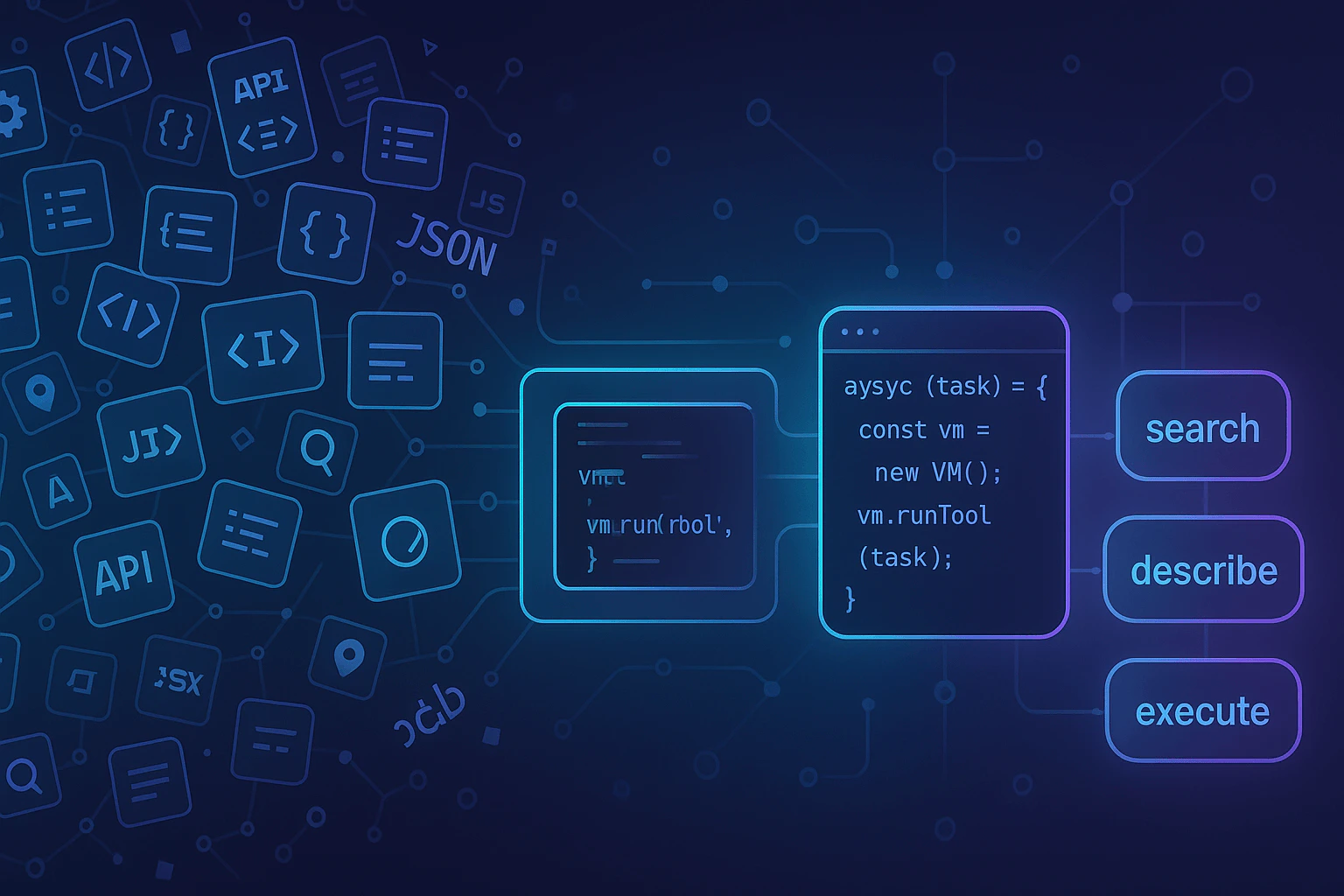
CodeCall Plugin
This guide assumes you have a FrontMCP project set up. If you’re new to FrontMCP, start with the installation guide first.

From Zero to CodeCall in 5 Steps

1

Install the Plugins Package

CodeCall ships as part of @frontmcp/plugins. Add it to your project:
npm install @frontmcp/plugins
This includes CodeCallPlugin along with all official FrontMCP plugins.
2

Create Tools with CodeCall Metadata

Mark each tool with the codecall metadata object. Setting enabledInCodeCall: true makes the tool available inside CodeCall scripts, while visibleInListTools: false hides it from the standard tools/list response so the LLM only sees the 4 meta-tools.
src/tools/users.ts
import { Tool, ToolContext } from '@frontmcp/sdk';

@Tool({
  name: 'users:list',
  description: 'List users with optional filtering by status and role',
  codecall: {
    enabledInCodeCall: true,
    visibleInListTools: false,
  },
})
export class ListUsersTool extends ToolContext {
  async execute(input: { status?: string; limit?: number }) {
    return {
      users: [
        { id: '1', name: 'Alice', email: 'alice@example.com', status: 'active', role: 'admin' },
        { id: '2', name: 'Bob', email: 'bob@example.com', status: 'active', role: 'user' },
        { id: '3', name: 'Charlie', email: 'charlie@example.com', status: 'inactive', role: 'user' },
      ],
    };
  }
}

@Tool({
  name: 'users:get',
  description: 'Get a single user by ID',
  codecall: {
    enabledInCodeCall: true,
    visibleInListTools: false,
  },
})
export class GetUserTool extends ToolContext {
  async execute(input: { id: string }) {
    const users = {
      '1': { id: '1', name: 'Alice', email: 'alice@example.com', status: 'active', role: 'admin' },
      '2': { id: '2', name: 'Bob', email: 'bob@example.com', status: 'active', role: 'user' },
    };
    return users[input.id] ?? { error: 'User not found' };
  }
}
The codecall metadata is per-tool. You can mix CodeCall-enabled tools with regular tools that remain visible in tools/list as usual.
3

Wire Up CodeCallPlugin in Your App

Register the plugin in your @App decorator. The three key options are mode, vm preset, and embedding strategy:
src/app.ts
import { App } from '@frontmcp/sdk';
import { CodeCallPlugin } from '@frontmcp/plugins';
import { ListUsersTool, GetUserTool } from './tools/users';

@App({
  id: 'my-app',
  name: 'My Application',
  tools: [ListUsersTool, GetUserTool],
  plugins: [
    CodeCallPlugin.init({
      mode: 'codecall_only',
      vm: {
        preset: 'secure',
      },
      embedding: {
        strategy: 'tfidf',
      },
    }),
  ],
})
export default class MyApp {}
OptionValueWhat it does
mode'codecall_only'Only the 4 meta-tools appear in tools/list. Recommended for large toolsets.
vm.preset'secure'Bank-grade sandbox defaults: strict AST validation, short timeouts, no network access.
embedding.strategy'tfidf'Fast local embeddings with no external API. Great for getting started.
4

Start the Dev Server

Launch your FrontMCP application in development mode:
npx frontmcp dev
You should see output confirming CodeCall is active:
FrontMCP v1.x.x - development mode
CodeCall plugin loaded (mode: codecall_only)
Indexed 2 tools for semantic search
Server listening on stdio
Connect with the MCP Inspector to interact with your server visually:
npx @modelcontextprotocol/inspector
In the Inspector, point to your running server and you will see the 4 CodeCall meta-tools instead of users:list and users:get.
5

Try the Search-Describe-Execute Flow

CodeCall uses a three-step flow: search for relevant tools, describe their schemas, then execute a script that orchestrates them.1. Search for tools
{
  "tool": "codecall:search",
  "input": {
    "queries": ["user management"]
  }
}
Response
{
  "tools": [
    { "name": "users:list", "description": "List users with optional filtering by status and role", "relevanceScore": 0.92 },
    { "name": "users:get", "description": "Get a single user by ID", "relevanceScore": 0.87 }
  ],
  "totalAvailableTools": 2
}
2. Describe the tools you need
{
  "tool": "codecall:describe",
  "input": {
    "toolNames": ["users:list", "users:get"]
  }
}
Response
{
  "tools": [
    {
      "name": "users:list",
      "description": "List users with optional filtering by status and role",
      "inputSchema": {
        "type": "object",
        "properties": {
          "status": { "type": "string" },
          "limit": { "type": "number" }
        }
      }
    },
    {
      "name": "users:get",
      "description": "Get a single user by ID",
      "inputSchema": {
        "type": "object",
        "properties": {
          "id": { "type": "string" }
        },
        "required": ["id"]
      }
    }
  ]
}
3. Execute a script
{
  "tool": "codecall:execute",
  "input": {
    "script": "const result = await callTool('users:list', {});\nreturn result;"
  }
}
Response
{
  "status": "ok",
  "result": {
    "users": [
      { "id": "1", "name": "Alice", "email": "alice@example.com", "status": "active", "role": "admin" },
      { "id": "2", "name": "Bob", "email": "bob@example.com", "status": "active", "role": "user" },
      { "id": "3", "name": "Charlie", "email": "charlie@example.com", "status": "inactive", "role": "user" }
    ]
  }
}

What Just Happened?

Instead of exposing users:list and users:get directly in tools/list, CodeCall replaced them with 4 meta-tools. When a client calls tools/list, it sees:
{
  "tools": [
    { "name": "codecall:search", "description": "Search for tools by natural language query" },
    { "name": "codecall:describe", "description": "Get detailed schemas for selected tools" },
    { "name": "codecall:execute", "description": "Execute an AgentScript that orchestrates tools" },
    { "name": "codecall:invoke", "description": "Direct single-tool invocation without VM overhead" }
  ]
}
The LLM only needs to understand these 4 tools, no matter how many underlying tools your server has. When it needs a specific capability, it searches, reads the schema on demand, and writes a short script to get the job done.

Your First Script

The real power of CodeCall is combining multiple tool calls with server-side logic in a single round-trip. Here is a script that finds all admin users from the active user list:
{
  "tool": "codecall:execute",
  "input": {
    "script": "const users = await callTool('users:list', { status: 'active' });\nconst admins = users.users.filter(u => u.role === 'admin');\nreturn { adminCount: admins.length, admins: admins.map(a => ({ name: a.name, email: a.email })) };"
  }
}
Here is the same script, expanded for readability:
AgentScript
const users = await callTool('users:list', { status: 'active' });

const admins = users.users.filter(u => u.role === 'admin');

return {
  adminCount: admins.length,
  admins: admins.map(a => ({
    name: a.name,
    email: a.email,
  })),
};
Key takeaway: one round-trip to the server, data filtered server-side, minimal tokens returned to the LLM. Without CodeCall, this would require fetching all users into context, burning tokens on the full payload, and relying on the model to filter correctly.

Next Steps

AgentScript Guide

Master the scripting language: APIs, patterns, and best practices

Configuration

Tool visibility modes, VM presets, and embedding strategies

Examples & Recipes

Real-world patterns: CRM, ETL, batch processing, and more

CRM Demo

Explore the full multi-tool CRM reference app